You pick up the phone to check the time. Twenty minutes later you are three apps deep and you never did see the time. If that sounds familiar, you are not broken and you are not weak. You are using a device built, carefully, to keep you using it.
The word "addiction" is heavy, and most people who ask "am I addicted to my phone" are not describing a clinical condition. They are describing a habit that has quietly outgrown the room they meant to give it. This guide helps you see the pattern honestly and change it with small barriers rather than willpower.
Quick self-check
None of these is a diagnosis. Read them as signs of a habit worth adjusting, not a label.
- The reflex reach. You pick up the phone without deciding to, in any pause, the second a conversation slows.
- Time you did not choose. You open one app for one thing and surface much later, with no memory of staying.
- The phantom buzz. You check for notifications that are not there, or feel a vibration that never happened.
- First and last. It is the first thing you touch awake and the last thing you hold before sleep.
- The worse-after feeling. You scroll to relax and get up more tired, flatter, or more anxious than before.
- Shrinking patience. A page of a book or a slow moment feels unbearable without a second screen in hand.
- The failed limits. You have set rules, moved apps, deleted and reinstalled, and nothing held.
If several of these fit, that is useful information, not a verdict. The last point matters most: if your own rules keep failing, the answer is almost never more willpower. It is a better barrier.
Why phones are built to pull you back
It helps to stop blaming your character and start seeing the machine. A feed is tuned to hold attention with a few levers.
The strongest is the variable reward. Every refresh might bring something good, or nothing. That "might" is the same pattern that keeps a slot machine player seated: the uncertainty is what makes it hard to stop, not the payoff. There is also no natural end: a book has a last page, but a feed is bottomless by design, so the cue to stop never arrives. And the friction runs the wrong way: the app is one tap from everywhere, always loaded, while every better option takes effort to begin.
Seeing this changes the goal. You are not trying to out-discipline a feed; a feed does not get tired and you do. You are trying to change the friction so the pull gets weaker and the better choice gets easier. For more on the restless loop, our guide on how to stop checking your phone goes deeper on the reflex.
Friction fixes that work
The fixes that last do one of two things: they put distance between you and the reflex, or they give the freed time somewhere to go. Pick two or three.
| Fix | What you do | Why it holds |
|---|---|---|
| Move the apps | Off the Home Screen, into a folder on the last page | Breaks the muscle-memory tap; you have to mean it |
| Grayscale | Turn the screen to black and white | Removes the color that makes feeds feel urgent |
| Log out | Sign out of one app for a week | Adds a password step between you and the scroll |
| Charge it elsewhere | Phone charges in another room overnight | Kills the first-and-last-thing reflex |
| A visible rule | Open the feed only after you read a few pages | Turns the urge into a cue to read instead |
| A real barrier | Lock the apps behind an action you must complete | Makes the better choice the path of least resistance |
That last row is where most people get stuck, because the barriers they try are too easy to wave away. A timer you can tap "ignore" on is a suggestion, not a barrier. A stronger version makes the open cost something small but real, and points it at something worth doing more of.
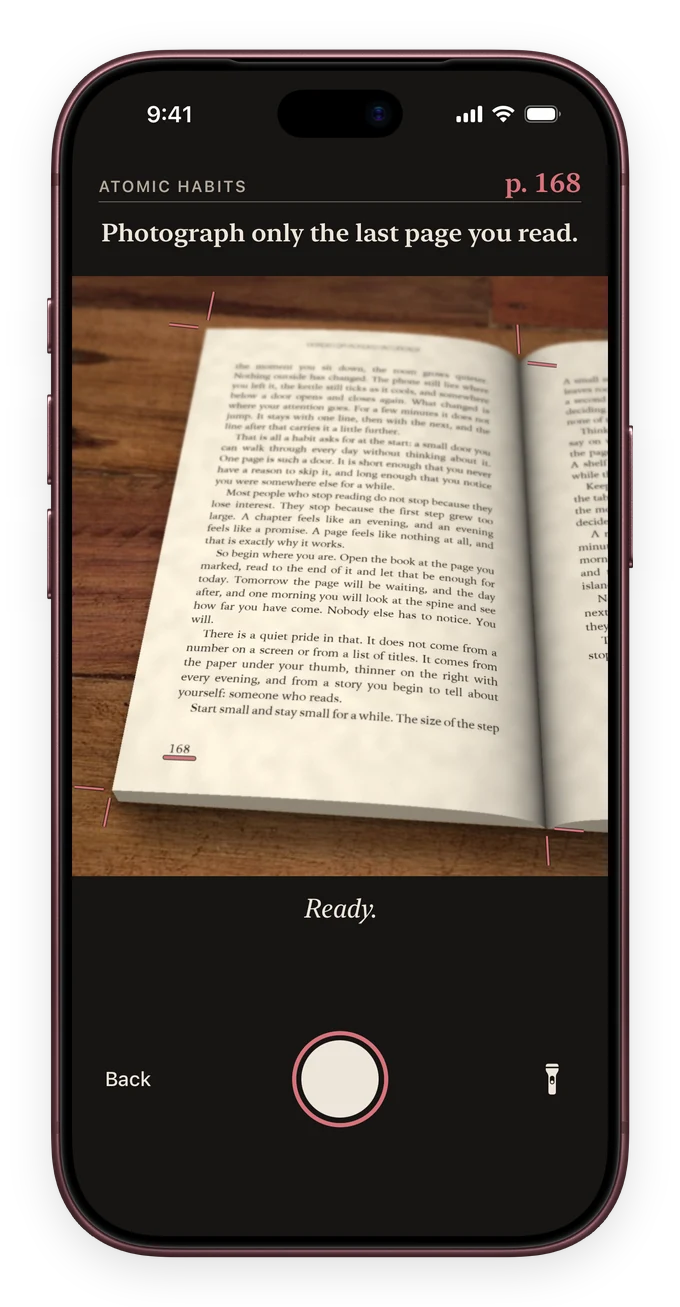
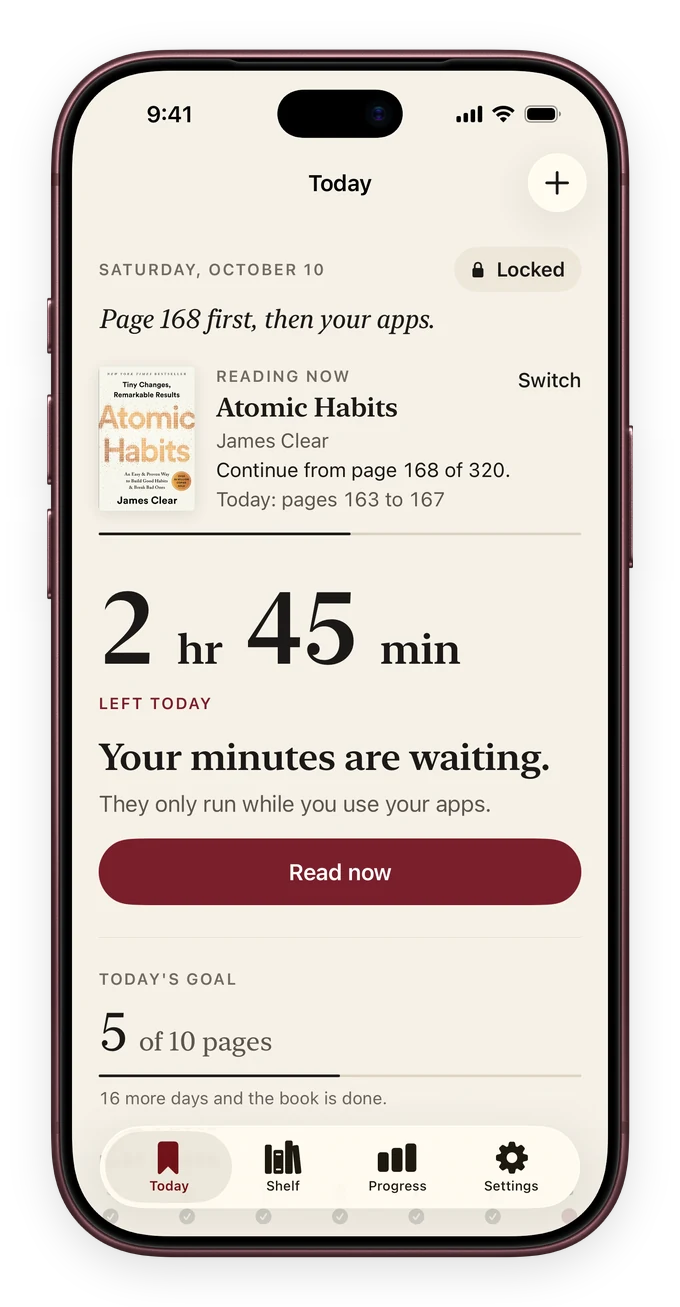
That is the idea behind ReadFirst. You choose the apps to lock with Apple Screen Time, and to open them you read a page of a printed book and take a live photo of it. You are not forbidden from the app; you just read a page first. The barrier is small, repeatable, and it tilts the day toward paper.
Give the freed time a destination
Cutting scroll time leaves a hole, and a hole fills itself with whatever is nearest. If that is the same phone, the habit comes straight back. So the second half of the work is deciding what the freed minutes are for.
Reading is a good answer for a reason: it asks for the exact attention the feed spent, and gives it back stronger. It is calm, it has an end, and it leaves you feeling better, not worse.
- Keep a book where you scroll. On the couch, the nightstand, in your bag. The urge to reach becomes a reason to open a book.
- Start absurdly small. Two pages. The goal is to beat the blank start, not to read a lot. Most sessions grow on their own.
- Read before the feed, not instead of it. When a page comes first, you are not resisting the scroll. The urge becomes the trigger to read.
You can keep that last rule loose, or make it the actual condition for your apps. ReadFirst's reading rule lets you set how many pages buy how many minutes, so "read before you scroll" becomes how the phone works, and extra pages bank for later.
If scrolling is tangled up with feeling scattered or flat, a short reset can help the pull loosen. Our guide to a dopamine detox that works lays out a realistic version, and if the goal is simply fewer hours on the device, reduce screen time on iPhone covers the settings worth changing.
When to seek real help
Everything above is about ordinary habits, the kind most of us drift into. It is not medical advice, and it cannot tell you whether something more is going on.
If phone use is seriously harming your work, sleep, relationships, or mood, and small changes have not touched it, talk to a doctor or a mental-health professional. The same is true if the pull to scroll comes with persistent low mood or anxiety. Reaching out is not an overreaction, and habit tools and professional help work best together.
Frequently asked questions
Am I actually addicted to my phone, or just distracted?
For most people it is a strong habit rather than a clinical addiction. The useful question is not the label but the pattern: do you reach without deciding, lose time you did not mean to spend, and feel worse after. If so, it is worth changing.
Does grayscale really help?
For many people, yes. Color is part of what makes feeds feel urgent, so draining it makes the phone duller and easier to put down.
How long does it take to break the habit?
Expect the reflex to ease within a week or two of real friction, not overnight. The reach fades fastest when the apps are harder to open and something better is within arm's reach. Progress is uneven, and one slip does not undo it.
Why reading instead of just using an app blocker?
A plain blocker takes attention away and leaves a gap the phone tends to fill again. Reading gives that attention a destination that rebuilds the focus scrolling wore down. A barrier plus a better default holds far better than either alone.
Can I read on a Kindle or my phone instead of a paper book?
For this purpose, a printed book is the point. A screen keeps the feed one tap away and the same pull in reach. A physical page has nothing else on it, which is why it works as both the calmer activity and the barrier between you and a locked app.