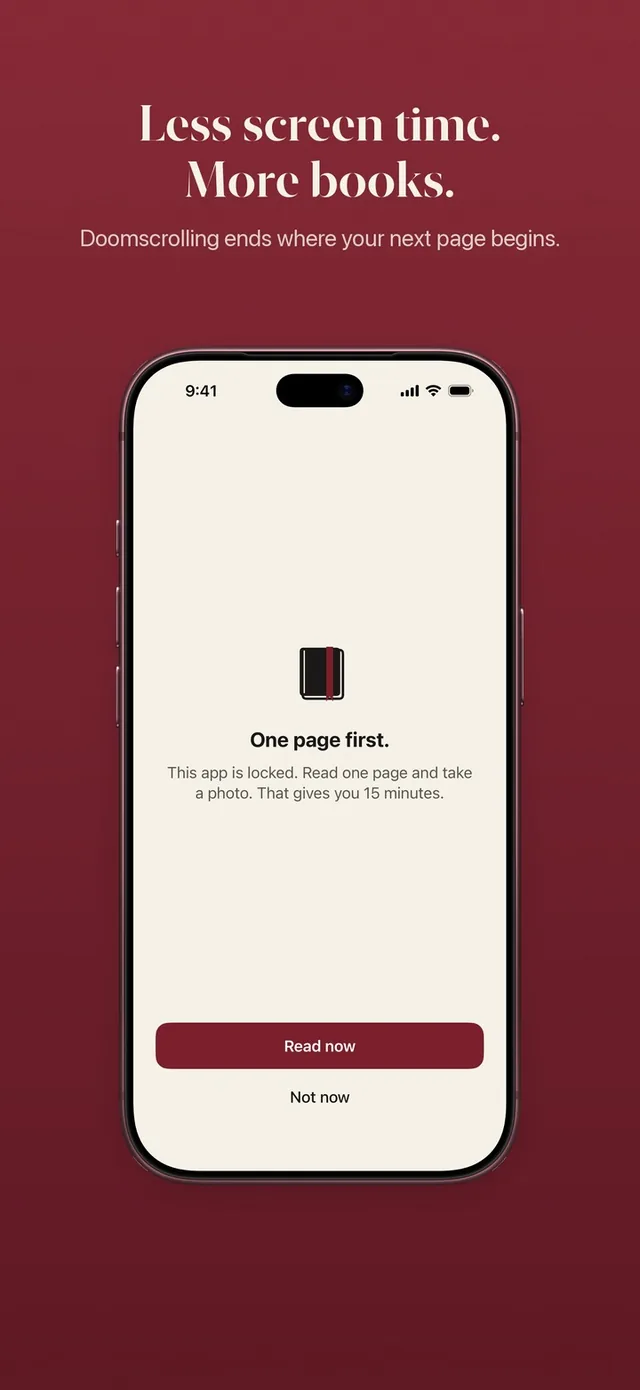
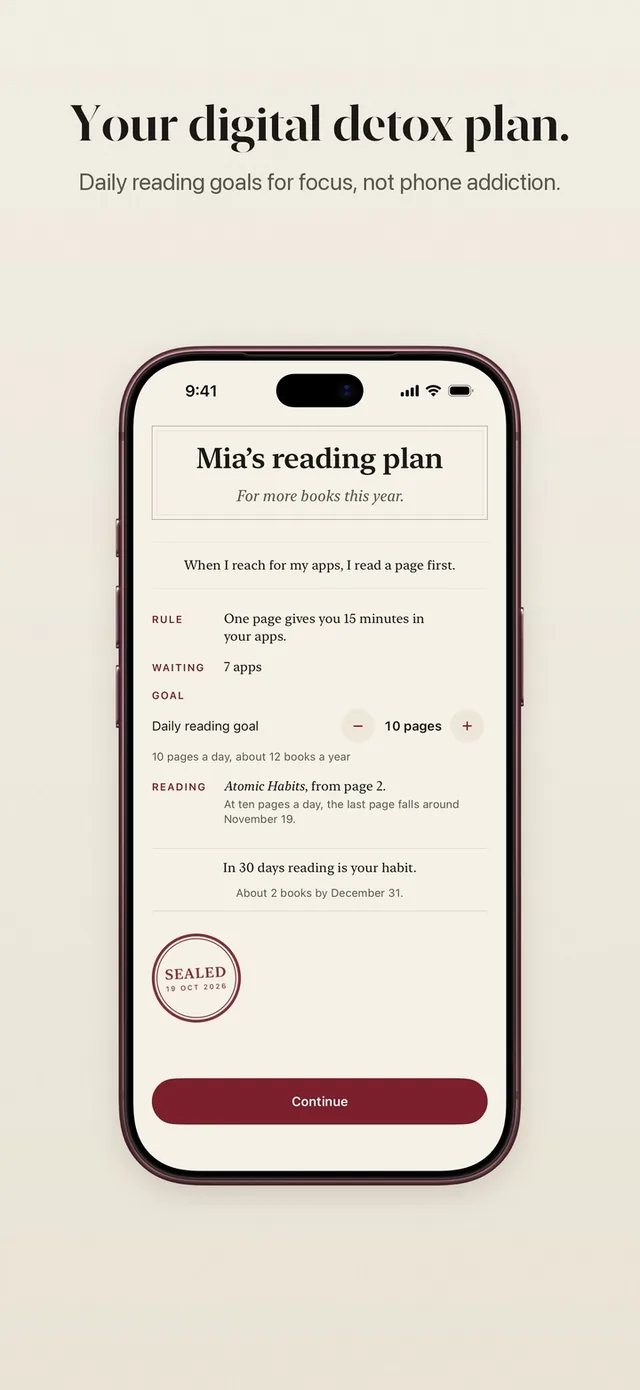
The pages for minutes rule is the heart of ReadFirst. It is one sentence you write for yourself: "One page gives you 15 minutes in your apps." Everything else, the lock, the bank and the daily limit, follows from it.
You set the rule once during setup and adjust it whenever you like. A rule that fits your life is one you keep. A rule that is too strict gets deleted on day three.
How it works
Your rule has a few settings, each with sensible choices and room to type your own.
- Pages per unlock. How many pages you read to open your apps: 1, 2, 3 or 5. Whole pages only.
- Minutes per unlock. How long your apps stay open: 5, 10, 15, 20, 30, 45 or 60 minutes. The default is 15.
- Daily limit. Optional. Off by default, or 30, 60, 90, 120, 180 or 240 minutes a day.
- Reading time per page. At least one minute a page. You can choose 1, 1½ or 2 minutes, or type up to 5.
- Skips. How many times a week you may open your apps without reading. One by default.
ReadFirst turns your choices into a plain sentence on screen, so you always know where you stand.
Pages and minutes
Most people start with one page for 15 minutes. It is gentle enough that reading never feels like a punishment, and a page is long enough to settle into a book.
If you want a stronger nudge, ask for more pages or give fewer minutes. Three pages for 10 minutes makes every scroll session cost a real bit of reading. Five pages for 60 minutes suits people who like one longer read and one longer break.
The minutes only run while you use your locked apps. If you read more than your rule asks, the extra pages go into your bank for later that day.
An optional daily limit
A daily limit puts a ceiling on your time in the locked apps for the whole day. It is off by default. You can pick 30, 60, 90, 120, 180 or 240 minutes, or type your own.
The limit is for days when reading a lot should not also mean scrolling a lot. Some readers leave it off and let the pages decide. Others like knowing that two hours is the most the feed will get, however many chapters they finish.
Reading time per page
ReadFirst counts a page only after enough reading time for it. Every rule asks for at least one minute a page, and you can make it longer if you read slowly or want more depth.
The reading timer keeps track while you read. Once the time for your pages has passed, the camera opens for your page photo.
Skips for the days that need one
Life does not always leave room for a page. A skip opens your apps without reading, for those moments when you need the app now and the book is at home.
- You get one skip a week by default, and you can choose 0 to 3.
- Skips come back at the first midnight of the week and do not carry over.
- A skip waits 10 seconds before it opens, long enough to ask yourself if you really need it.
- It opens your apps for at most 15 minutes, and never longer than your rule gives.
- Skips never count toward your streak, and they cannot be bought.
Changes apply right away
When you change your rule, the new rule applies at once, whether you make it easier or stricter. There is no waiting period and no penalty. A rule is a promise to yourself, and you are the one who knows when it needs to change.
Track only: every page counts
Set your minutes per unlock to 0 and ReadFirst becomes a pure reading companion. The rule reads: "Track only. Every page counts for your book, goal and medals."
Track only is for the weeks when you want to read for its own sake: on holiday, during a calm stretch, or simply to build the habit first. Your pages, books, streak, goal, progress, widgets and medals all keep counting as usual.
Who it's for
The rule is for anyone who wants a lock that fits real life. Strict readers can ask for five pages. Gentle starters can ask for one. Busy people can lean on the bank and a skip. And on any day, you can change it in a few taps.
Frequently asked questions
What is a good starting rule?
Many readers start with one page for 15 minutes, which is also the default for minutes. Change it after a week if it feels too easy or too hard.
Can I change my rule later?
Yes. Every change applies right away, whether the new rule is easier or stricter.
How do skips work?
You get one skip a week by default and can choose 0 to 3. A skip waits 10 seconds, opens your apps for at most 15 minutes and never counts toward your streak.
Is there a daily limit?
There is an optional one. It is off by default, and you can set 30 to 240 minutes a day or type your own.
What is Track only?
Track only means your minutes per unlock are set to 0. Every page then counts for your book, your goal and your medals, and your reading stays at the center of the app.