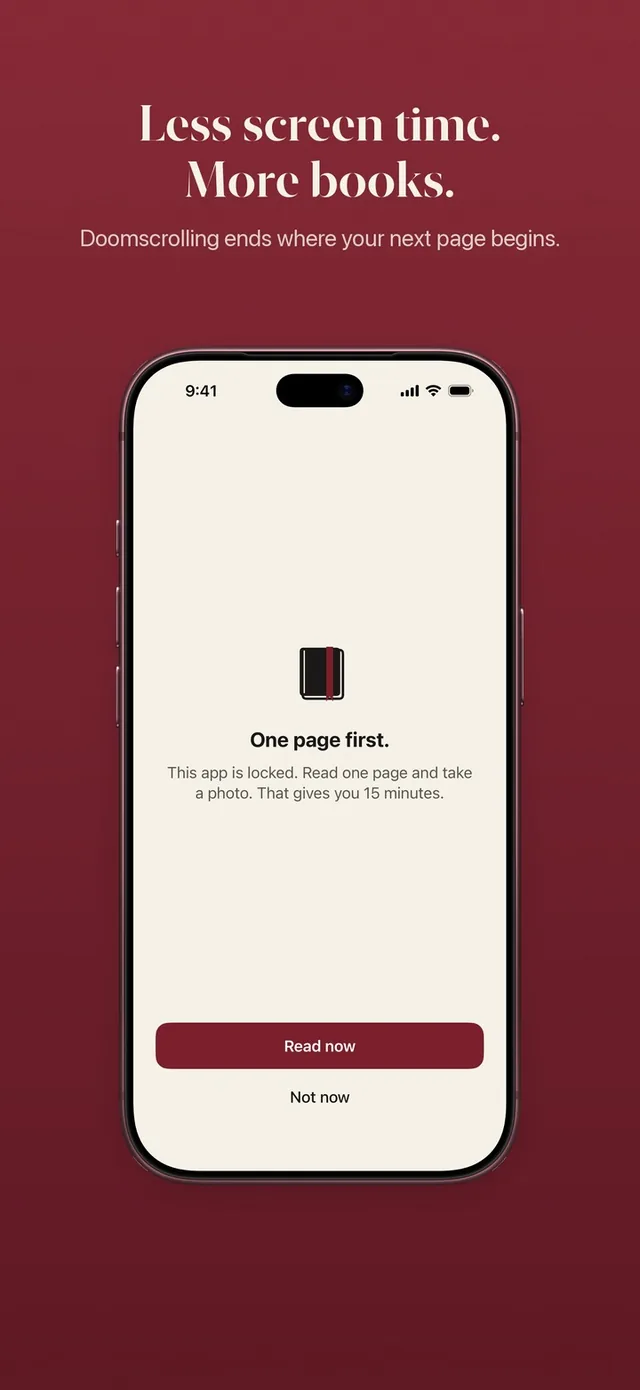
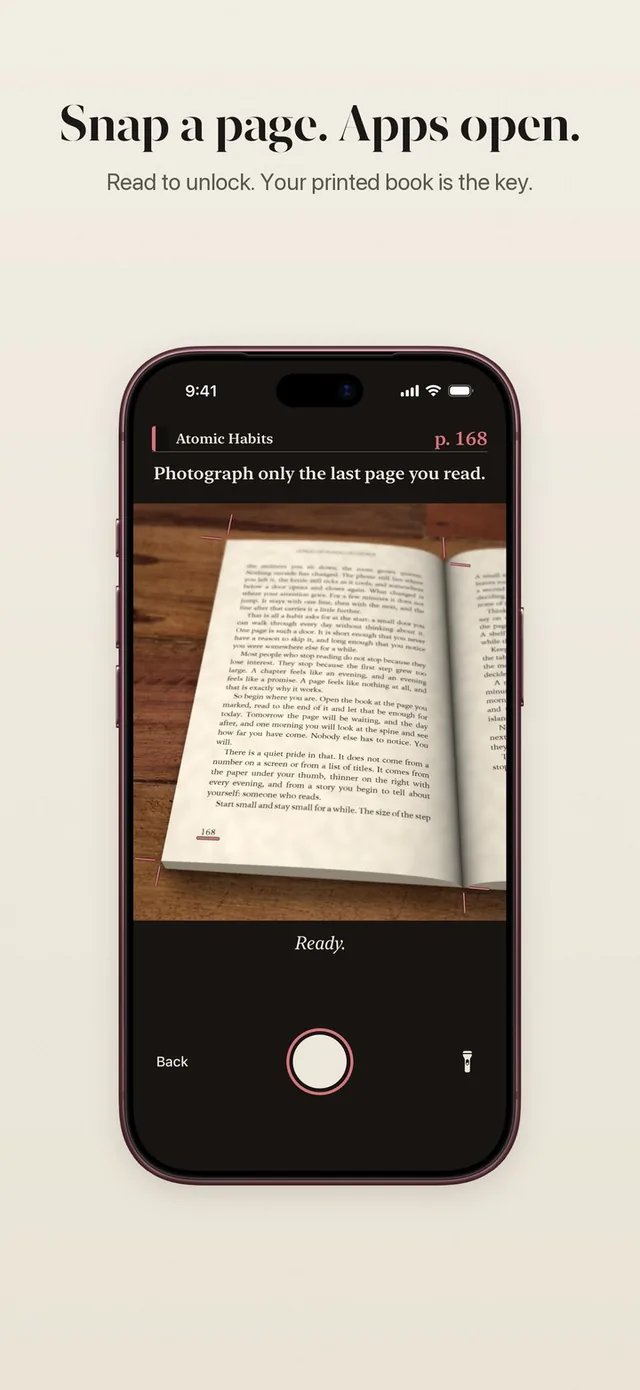
When you finish reading, you hold your iPhone over the last page and take one photo. ReadFirst checks the page on your device in a moment and tells you what counted. Nothing is uploaded and the photo is gone right after the check.
The check has one job: make sure that the pages you count are pages you read. It is strict where it has to be and gentle where it can be, because a lock you can fool is just a speed bump.
How it works
The page photo check runs every time you read to open your apps.
- Read on the reading clock. Tap Read now and read your printed book. The camera opens once enough reading time has passed for your rule.
- Photograph the last page you read. The viewfinder is the live camera. You cannot pick an older picture from your photo library.
- The page is checked on your iPhone. ReadFirst looks for a real printed page: lines of text, enough words, a readable page number.
- Your pages count. The new page number is compared with the last one you showed for this book. The difference is what you read.
- The photo is discarded. Your screen shows "Checked on your iPhone. The photo is never saved."
What the check looks for
ReadFirst only counts a printed page that it can clearly see. If the photo is too dark, has strong glare, is blurred or the text cannot be read, you are asked to try again with better light or a steadier hand.
It also watches for screens. A photo of a phone, a tablet or an e-reader shows small signs that paper does not, and the interface text of a reading app or a browser always gives a screen away. Those photos do not count. ReadFirst is built for printed books, not e-books.
Page numbers come in many forms. ReadFirst reads Western digits, Roman numerals in the front matter of a book, and Arabic, Persian, Devanagari and Thai digits.
Every page counts once
A page you have shown before does not count twice. ReadFirst keeps a short memory of the pages you photographed, so the same page is recognized even when you photograph it again from a new angle.
That memory is private by design. It stores an image fingerprint and a salted fingerprint of word groups, never the words themselves. These fingerprints say nothing outside your phone.
The page number also has to rise. If your last photo showed page 112, the next one has to show a later page to count new reading.
Pages have to fit your reading time
What counts is limited by how long you actually read. Your rule sets a reading time per page of at least one minute, and the reading clock keeps track. If the photo shows more pages than your reading time allows, only the pages that fit the time count.
There is also an upper limit for very fast reading. ReadFirst does not count faster than about 450 words a minute, which leaves room for quick readers and none for flipping ahead.
One photo can count up to 60 pages. A bigger jump asks you first, so a long evening with a book still counts, and a mistaken page number does not.
When no page number is read
If ReadFirst cannot read a page number, nothing counts. That rule is simple and it stays the same every time. You get two choices: Scan again with a better angle or more light, or Enter the number yourself.
Pages you add by hand count for your book and your reading streak. They never open your apps. In the app's words: "Pages you add by hand count for your book and your streak. Opening your apps takes a photo."
Privacy, in plain words
The photo of your page never leaves your iPhone and is never saved. The check runs on the device, and the memory of past pages keeps fingerprints, not text. ReadFirst has no account. Your books and reading sync through your own iCloud, so they come back on a new iPhone or iPad.
ReadFirst does use anonymous app analytics and records App Store purchases. Neither ever receives a page photo, a book title or a page number. The details are in the privacy policy linked from the support page.
Who it's for
The page photo check is for readers who want a lock that means something. If you have tried blockers that open with one tap, a check that needs a real page from a real book is the difference. It is also for people who care where their photos go: here, nowhere.
Frequently asked questions
Does ReadFirst save the photo of my page?
No. The photo is checked on your iPhone or iPad and discarded right after. It is never saved and never uploaded.
Can I use a picture from my photo library?
No. The check only accepts a live photo from the camera, taken when you finish reading.
What happens if the page number cannot be read?
Nothing counts. You can scan again or enter the number yourself. Pages you enter by hand count for your book and your streak, but they never open your apps.
Can I photograph an e-reader or a phone screen?
No. ReadFirst recognizes screens, including e-readers and reading apps, and those photos do not count. It works with printed books only.
How many pages can one photo count?
Up to 60 pages, as long as they fit the time you read. A bigger jump asks you first.